Introducing Opal: describe, create, and share your AI mini-apps
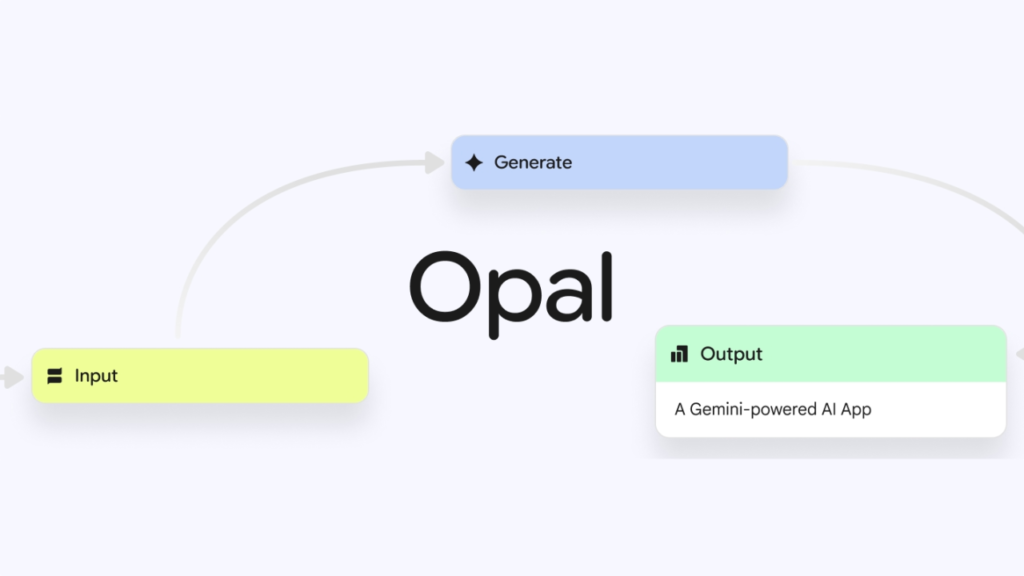
In a world where technology evolves at lightning speed, Google has introduced Opal—a groundbreaking AI-powered, no-code app builder that empowers users to create mini web applications using natural language prompts. Initially launched in the U.S., Opal has now expanded its reach to 15 additional countries, including India, Canada, Japan, South Korea, Vietnam, Indonesia, Brazil, Singapore, Colombia, El Salvador, Costa Rica, Panama, Honduras, Argentina, and Pakistan TechCrunch.
What Is Google Opal?
Opal is an innovative tool developed by Google Labs that allows users to build AI-driven applications without writing a single line of code. By simply describing the desired app in natural language, Opal leverages Google’s advanced AI models to generate the application. Users can then customize the app’s workflow, inputs, outputs, and generation steps through a visual editor. Once satisfied, the app can be published online and shared with others.
Key Features of Google Opal
- Natural Language Interface: Users can describe their desired app in plain language, and Opal’s AI models handle the rest.
- Visual Workflow Editor: A drag-and-drop interface allows users to customize the app’s functionality and design.
- Real-Time Debugging: Opal provides immediate feedback, highlighting errors in the workflow for quick resolution.
- Performance Enhancements: Recent updates have reduced app creation time and enabled parallel processing for complex workflows TechCrunch.
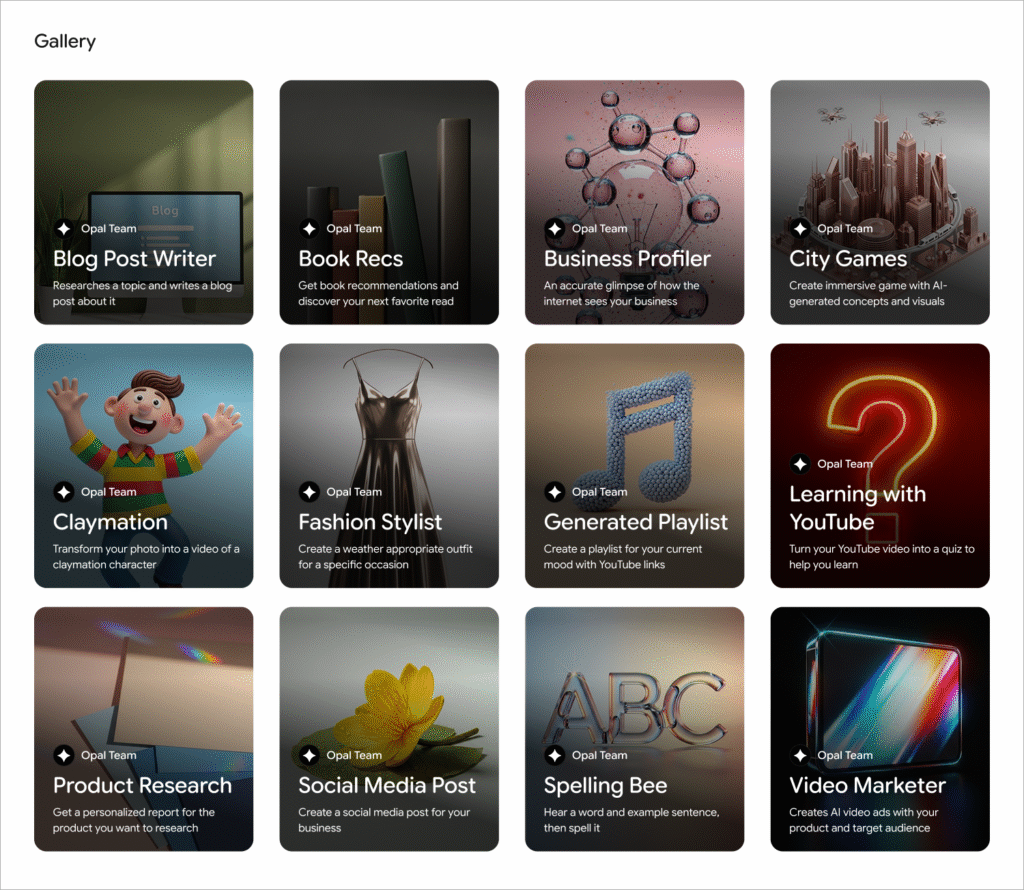
How Does Google Opal Compare to Competitors?
| Feature | Google Opal | Canva | Figma | Replit |
|---|---|---|---|---|
| No-Code Interface | ✅ Yes | ✅ Yes | ✅ Yes | ✅ Yes |
| AI Integration | ✅ Gemini Models | ❌ Limited | ❌ Limited | ❌ Limited |
| Visual Editor | ✅ Drag-and-Drop | ✅ Drag-and-Drop | ✅ Drag-and-Drop | ✅ Code Editor |
| App Publishing | ✅ Web Sharing | ✅ Web Sharing | ✅ Web Sharing | ✅ Web Sharing |
| Collaboration Tools | ✅ Yes | ✅ Yes | ✅ Yes | ✅ Yes |
| Target Audience | Creators, Developers | Designers, Marketers | Designers, Developers | Developers, Educators |
Pros and Cons of Google Opal
Pros:
- User-Friendly: No coding skills required, making app development accessible to a broader audience.
- AI-Powered: Utilizes Google’s advanced AI models for efficient app creation.
- Customizable: Offers a visual editor for personalized app design.
- Collaborative: Allows sharing and collaboration on app development.
Cons:
- Learning Curve: New users may need time to familiarize themselves with the interface.
- Limited Advanced Features: May not support complex app functionalities required by experienced developers.
- Dependence on Internet: Requires a stable internet connection for optimal performance.
Unique Insights: The Rise of Vibe Coding
Google Opal is part of the emerging trend known as “vibe coding,” where users interact with AI systems using natural language to create applications. This approach democratizes app development, allowing individuals without technical backgrounds to bring their ideas to life. As AI technology continues to advance, tools like Opal are paving the way for a more inclusive and innovative digital landscape.
The tech giant says it has improved the debugging program but intentionally kept it no-code. Users can now run their workflow step by step in the visual editor or tweak specific steps in the console. Errors show up right where they happen to provide immediate context and eliminate guesswork.
Google also says that it’s made significant improvements to Opal’s core performance. The company notes that previously it would take up to five seconds or more to create a new Opal. Now, it’s worked to speed that up to make it easier to get started. Plus, users can now run steps in parallel, allowing complex workflows with multiple steps to execute simultaneously.
Frequently Asked Questions (FAQs)
1. What is vibe coding?
Vibe coding refers to the process of creating applications by describing desired functionalities in natural language, allowing AI systems to generate the corresponding code.
2. Do I need coding skills to use Google Opal?
No, Google Opal is designed for users without coding experience. Its intuitive interface allows anyone to build applications using natural language prompts.
3. Can I share the apps I create with others?
Yes, once you’ve created an app in Opal, you can publish it to the web and share the link with others for testing and collaboration.
4. Is Google Opal free to use?
As of now, Google Opal is available as a public beta, and users can access it without any cost. Future pricing details have not been announced.
5. How does Google Opal compare to other no-code platforms?
While platforms like Canva and Figma offer no-code solutions, Google Opal distinguishes itself by integrating advanced AI models for app creation, providing a more dynamic and intelligent development experience.