Best Touchscreen Laptops of 2025: Top Picks for Every Need
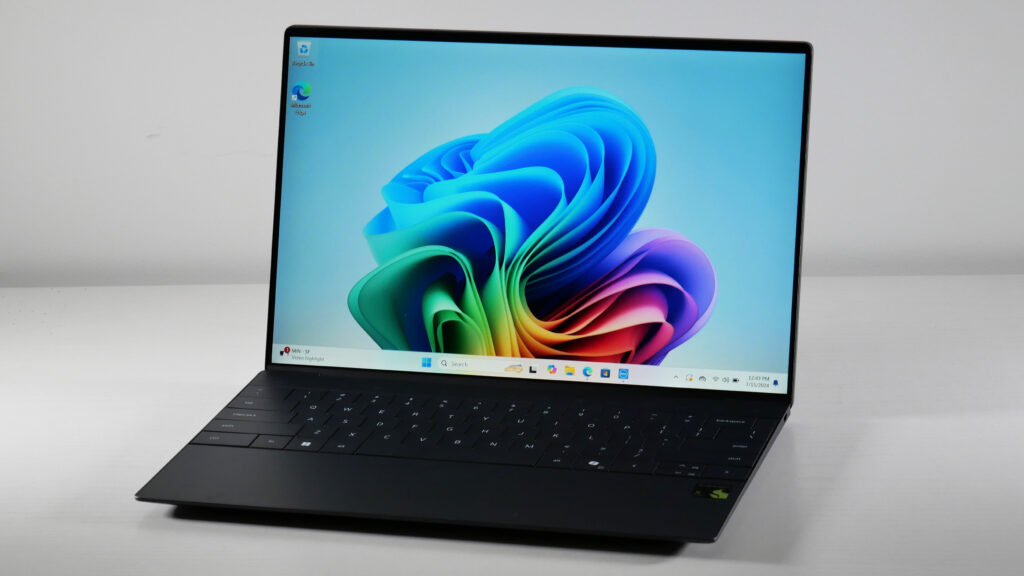
Touchscreen laptops are becoming must-have devices for people who want flexibility, easy navigation, and a more intuitive way to interact with their PC. Whether you are a student, professional, creative, or gamer, a good touchscreen laptop can totally change how you use your computer.
In 2025, the market is packed with options, from budget-friendly Chromebooks to high-end dual-screen powerhouses. In this guide, we will go through the best touchscreen laptops that you can buy right now, so you can pick one that suits your needs and lifestyle.
🏆 Best Overall: Microsoft Surface Laptop 7
The Microsoft Surface Laptop 7 is our top recommendation for a touchscreen laptop. Its 13.8-inch PixelSense Flow display is vibrant and responsive, perfect for everyday use. The latest Intel Core Ultra processor keeps everything running smoothly, from browsing to light video editing.
Its slim design, comfy keyboard, and long battery life make it ideal for students or professionals who want a no-fuss, elegant laptop. If you need a solid, all-rounder laptop that feels premium without being overcomplicated, this is it.
💰 Best Value: Acer Chromebook Spin 714
If you are looking for something affordable, the Acer Chromebook Spin 714 is a solid choice. It comes with a 14-inch touchscreen and a stylus, great for note-taking or doodling.
While it can’t match high-end laptops for heavy tasks, it gives you excellent battery life, portability, and overall performance at a price that won’t break the bank. For students or casual users, this Chromebook is more than enough.
🎨 Best for Creatives: Lenovo Yoga Book 9i
The Lenovo Yoga Book 9i is a dream for creative users. With two 13-inch OLED screens, it’s perfect for multitasking, drawing, or even watching content like you would on a tablet.
You can use it in multiple modes: laptop, tablet, or sketchpad. It’s a little pricey, but if you value versatility and want to boost your productivity or creative work, it’s totally worth it.
🎮 Best for Gaming: Microsoft Surface Laptop Studio 2
For gaming and intensive work, the Surface Laptop Studio 2 is a standout. It comes with an Nvidia GeForce RTX 4050 GPU and a 14.4-inch 120Hz touchscreen, offering smooth performance for games and demanding apps.
Its sliding hinge design is unique, allowing you to use it in different modes for gaming, drawing, or regular laptop work. It’s heavier than some competitors, but the performance makes up for the extra weight.
🌈 Best OLED Display: Asus Zenbook 14X OLED
The Asus Zenbook 14X OLED offers a gorgeous 14-inch touchscreen with vivid colors and deep contrasts. It’s perfect for media consumption, photo editing, and general creative tasks.
Besides the stunning display, it is compact and lightweight, making it convenient for everyday use, while still being powerful enough for light gaming or multitasking.
🔄 Best 2-in-1: Asus Vivobook 16 Flip
The Asus Vivobook 16 Flip is ideal if you want a laptop that can double as a tablet. Its 16-inch OLED touchscreen gives you plenty of space for multitasking or creative work.
It’s versatile and performs well, but it’s slightly heavier than traditional laptops. Still, for users who value flexibility over weight, it’s a great pick.
🔋 Best Battery Life: HP Chromebook Plus 15.6-inch
If you need a laptop that lasts all day, the HP Chromebook Plus 15.6-inch is a solid choice. Its long battery life is great for work sessions, travel, or streaming.
The touchscreen is responsive, and the large display makes it perfect for productivity. It runs Chrome OS, which is simple to use, but a bit limited if you need Windows-specific apps.
💼 Best Business Laptop: Lenovo ThinkPad X9 15 Aura Edition
For business users, the Lenovo ThinkPad X9 15 Aura Edition is a reliable option. Its 15-inch OLED touchscreen is clear and crisp, and the keyboard is comfortable for long typing sessions.
It’s built to last and has enough connectivity options for work or travel. Pricey, but worth it if you need a professional-grade device that’s dependable.
🔍 Comparison Table
| Model | Screen Size | Display Type | Processor | Battery Life | Price Range |
|---|---|---|---|---|---|
| Microsoft Surface Laptop 7 | 13.8″ | PixelSense | Intel Core Ultra | Up to 15 hrs | $999–$2,499 |
| Acer Chromebook Spin 714 | 14″ | Touchscreen | Intel Core i5 | Up to 10 hrs | $649–$799 |
| Lenovo Yoga Book 9i | 13″ x 2 | OLED | Intel Core i7 | Up to 12 hrs | $1,499–$1,799 |
| Surface Laptop Studio 2 | 14.4″ | 120Hz Touch | Intel Core i7 | Up to 10 hrs | $1,599–$2,199 |
| Asus Zenbook 14X OLED | 14″ | OLED | Intel Core i7 | Up to 12 hrs | $1,399–$1,599 |
| Asus Vivobook 16 Flip | 16″ | OLED | Intel Core i5 | Up to 11 hrs | $899–$1,099 |
| HP Chromebook Plus 15.6″ | 15.6″ | Touchscreen | Intel Core i3 | Up to 11 hrs | $549–$649 |
| Lenovo ThinkPad X9 15 Aura | 15″ | OLED | Intel Core i7 | Up to 14 hrs | $1,799–$2,199 |
🔧 Pros & Cons
Microsoft Surface Laptop 7
- Pros: Sleek design, responsive touchscreen, long battery life
- Cons: Higher price point
Acer Chromebook Spin 714
- Pros: Affordable, includes stylus, portable
- Cons: Not good for heavy tasks
Lenovo Yoga Book 9i
- Pros: Dual-screen design, excellent for multitasking
- Cons: Expensive
Surface Laptop Studio 2
- Pros: Powerful GPU, unique design
- Cons: Heavier than competitors
Asus Zenbook 14X OLED
- Pros: Stunning display, compact
- Cons: Limited ports
Asus Vivobook 16 Flip
- Pros: Large screen, flexible 2-in-1
- Cons: Heavier than standard laptops
HP Chromebook Plus 15.6″
- Pros: Long battery, spacious display
- Cons: Runs Chrome OS only
Lenovo ThinkPad X9 15 Aura
- Pros: Durable, great keyboard
- Cons: Expensive
❓ Frequently Asked Questions
1. Which touchscreen laptop offers the best value in 2025?
The Acer Chromebook Spin 714 gives a great balance between affordability and features. Perfect for students or casual users.
2. Are there touchscreen laptops good for gaming?
Yes, the Surface Laptop Studio 2 is a great choice for gaming and demanding creative apps.
3. Why choose an OLED touchscreen?
OLED gives vibrant colors and better contrast, making media and creative tasks look fantastic.
4. Can I use a stylus with these laptops?
Yes, many like the Acer Chromebook Spin 714 and Lenovo Yoga Book 9i support stylus input for notes or artwork.
5. Which is best for professionals?
The Lenovo ThinkPad X9 15 Aura Edition is built for reliability, comfort, and work efficiency.