Best Monitors for Work and Gaming in 2026 – Top Picks You’ll Love This Year
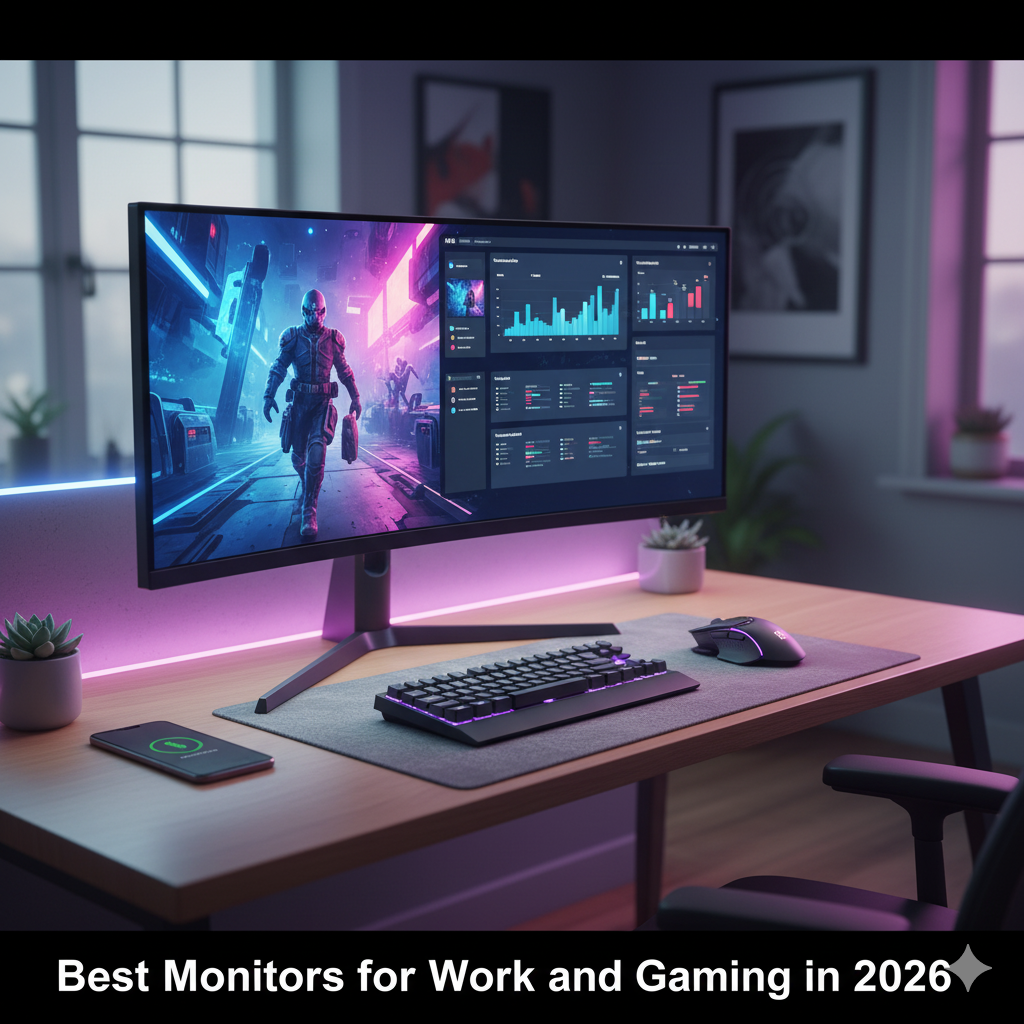
If you are planning to upgrade your workspace or gaming corner in 2026, you’re not alone. With newer OLED, 4K and curved screens coming in, this year’s monitors are way ahead in tech and design. But with so many options, picking the best monitor for work and gaming can feel confusing. So here’s a simple, human-friendly breakdown that helps you decide without overthinking.
What Makes a Monitor Good for Both Work and Gaming
A great hybrid monitor should balance performance, picture clarity, and comfort. You don’t want a screen that’s amazing for gaming but gives dull colors when working, right?
Here’s what to check:
- Resolution & Size: Go for 4K (3840×2160) if you edit photos or videos. QHD (2560×1440) is good middle option.
- Refresh Rate: For gaming, 144 Hz or higher is sweet spot. For work, even 75 Hz feels smoother than standard 60 Hz.
- Panel Type:
- IPS: Best color and viewing angles.
- VA: Deep contrast, solid for dark-room gaming.
- OLED / QD-OLED: Premium quality with deep blacks and crazy color pop.
- Curvature: Curved (1000R or 1500R) helps you feel more inside the game and lets you see wide documents easily.
- Ports: USB-C, HDMI 2.1, and DisplayPort 1.4 are must-haves in 2026.
If you’re using one monitor for both things, try to pick one that supports both high refresh and color-accurate mode.
1. 4K Monitors – Crisp and Perfect for Productivity
4K screens are best if your work involves editing, design, or multitasking. The pixel density gives very sharp text and images.
Pros:
✅ Super detailed and clear visuals
✅ Great for productivity and creative work
✅ Looks premium and future-proof
Cons:
❌ Needs strong GPU for gaming
❌ Slightly costlier
Top 4K Picks for 2026:
- LG 32″ UltraFine 4K HDR10 – Premium screen with excellent brightness and accurate color.
- Dell 27 Plus 4K Monitor – Compact, classy, ideal for office and editing work.
- Samsung ViewFinity S7 4K – Balanced option for mixed use.
- MSI PRO MP273U 27″ 4K HDR – Affordable, yet crisp for both office and casual gaming.
- ViewSonic VA2708-4K-MHD – Budget-friendly 4K that doesn’t disappoint.
If you mostly work during day and game at night, any of these are perfect choices.
2. Curved and Ultra-Wide Monitors – Work + Play on One Screen
Curved screens aren’t just cool—they actually reduce eye strain when you sit long hours. Plus, for gaming they feel more immersive.
Why you’ll love curved monitors in 2026:
- Bigger field of view for gaming
- Split-screen multitasking feels natural
- Looks futuristic on desk
Best for: Designers, streamers, or users who do multitasking while gaming.
Cons:
- Can be pricey
- Need large desk space
Tip: If you’re into video editing or stock trading, curved ultra-wide screens can replace dual monitor setups completely.
3. Budget Monitors – Smart Pick for Everyday Use
Not everyone wants to spend big. Thankfully, in 2026, even budget monitors are loaded with good features.
What to expect:
- 1080p or 1440p resolution
- 100–144 Hz refresh rate
- IPS or VA panels
- Minimal bezels
Pros:
✅ Value for money
✅ Smooth enough for casual gaming
✅ Works great for students or work-from-home setups
Cons:
❌ Not true 4K
❌ Limited brightness
Recommended models:
- Acer 27″ FHD Gaming (ED270X2) – Great value with 144 Hz refresh.
- LG Ultrafine 27US500-W 4K UHD – Entry-level 4K option under budget.
4. OLED and QD-OLED Monitors – The Future Is Here
OLED monitors have finally become affordable in 2026. These displays show deep blacks, rich contrast, and near-zero response time, which makes gaming buttery smooth.
Why go OLED?
- Perfect black levels
- Insane contrast ratio
- Excellent for both color-critical work and competitive gaming
Things to keep in mind:
- Burn-in risk (though newer panels improved)
- Higher price tag
If you’re a creative professional or hardcore gamer, OLED/QD-OLED gives best of both worlds.
5. Comparison: 4K vs Curved vs OLED vs Budget
| Type | Best For | Refresh Rate | Price Range | Verdict |
|---|---|---|---|---|
| 4K Monitor | Work + Casual Gaming | 60–144 Hz | Mid to High | Balanced choice |
| Curved Monitor | Immersion + Productivity | 100–240 Hz | Mid to High | Great hybrid pick |
| OLED Monitor | Gaming + Creative Work | 120–240 Hz | Premium | Future-proof but pricey |
| Budget Monitor | General Use | 75–144 Hz | Low to Mid | Smart affordable pick |
Pros and Cons of Using One Monitor for Both Work & Gaming
Pros:
- Saves desk space and money
- Easier cable management
- Fast switching between tasks
- Consistent color and design
Cons:
- Needs good specs to balance both needs
- May need calibration for accurate colors
- High-end models can be expensive
My Take for 2026
If you want to future-proof your setup, a 4K 144 Hz OLED monitor is the dream combo. But if you’re tight on budget, a 1440p 165 Hz IPS panel is the smartest balance.
Monitors like Samsung Odyssey G7, LG Ultragear 27GP850, or Dell S2721DGF are still fan favorites and will stay relevant through 2026.
You can read more guides like best budget gaming setups or workstation ideas on PreviewKart.com.
Quick Buying Tips
- Check for HDMI 2.1 if you use PS5 or Xbox Series X.
- Always check color coverage (sRGB 99% +) if you do creative work.
- Consider height-adjustable stand or VESA mount for ergonomics.
- USB-C power delivery is a huge plus if you use laptops.
- Don’t overspend for refresh rates your GPU can’t use.
FAQs
Q1. Which monitor is best for both office and gaming?
A QHD or 4K 144 Hz monitor with IPS or OLED panel gives perfect balance of clarity and performance.
Q2. Are curved monitors good for work?
Yes, they’re actually great. You can view wide Excel sheets or design tools without scrolling too much.
Q3. Do I need HDMI 2.1 in 2026?
If you own next-gen console or plan 4K 120 Hz gaming, yes. Otherwise, HDMI 2.0 or DisplayPort 1.4 still fine.
Q4. Is OLED worth the extra money?
If you love stunning visuals and deep blacks, definitely yes. But for casual use, high-end IPS is still very good.
Q5. What’s the best budget monitor in 2026?
Acer ED270X2 or MSI MP273U 4K are top value picks that perform great for daily work and gaming.