
WhatsApp Testing New Connected Peripherals Feature for Smartwatches
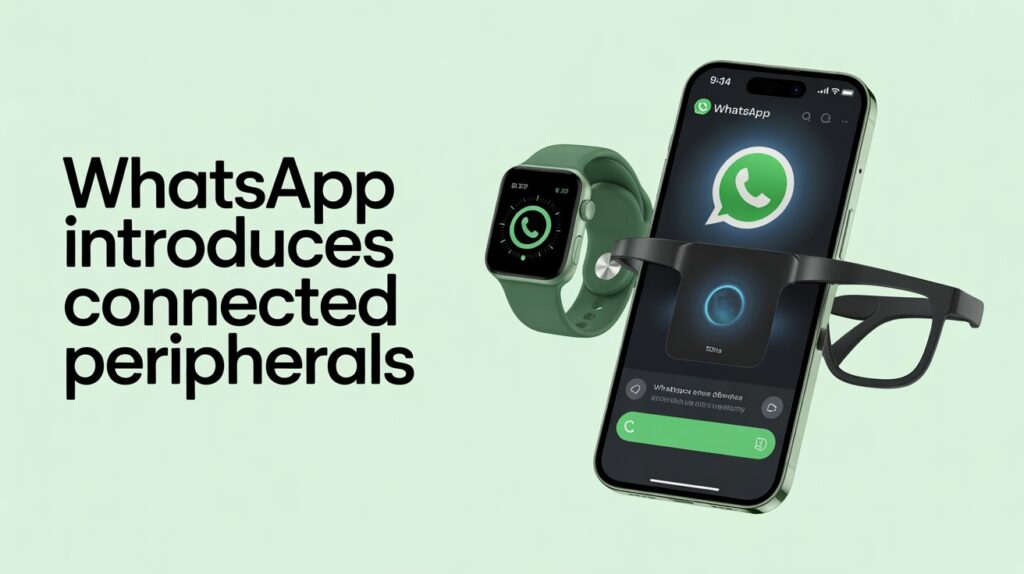
WhatsApp Connected Peripherals feature is quietly taking a big step toward greater transparency and device security. In a recent beta update, the messaging app has introduced a new section called Connected Peripherals, designed to show hardware devices that connect to your WhatsApp account automatically.
Until now, WhatsApp mainly showed linked devices like laptops or tablets that required a QR code for access. But wearables such as smartwatches, smart glasses, and other paired devices worked silently in the background. This new feature finally makes those connections visible.
Here is a clear and simple breakdown of what the Connected Peripherals feature is, why it matters, and what it means for everyday users.
TLDR:
- WhatsApp is testing a Connected Peripherals section to show wearables like smartwatches that sync automatically.
- It improves security and transparency by revealing silent device connections.
- Devices cannot be logged out remotely and must be removed by uninstalling WhatsApp on the peripheral.
- The feature is in iOS beta now and expected to roll out widely in early 2026.
- WhatsApp Testing New Connected Peripherals Feature for Smartwatches
- What Is the Connected Peripherals Feature?
- How It Is Different From Linked Devices
- Which Devices Are Expected to Appear?
- Where the Feature Was Spotted
- How to View and Manage Connected Peripherals
- Why WhatsApp Is Introducing This Feature
- How It Compares With Other Messaging Apps
- What This Means for Everyday Users
- Privacy and Control
- Expected Rollout Timeline
- Final Thoughts
- FAQs
- What Is the Connected Peripherals Feature?
What Is the Connected Peripherals Feature?
The Connected Peripherals feature is a new section inside WhatsApp settings that displays hardware devices linked to your account without manual approval.
These are devices that sync with WhatsApp through your phone’s operating system rather than through QR code authentication. Once WhatsApp is installed on such a device, messages begin syncing automatically.
How It Is Different From Linked Devices
- Linked Devices include laptops, tablets, and browsers that require QR code verification
- Connected Peripherals include wearables and accessories that sync automatically once paired with your phone
This distinction helps users clearly understand where and how their messages are being accessed
Which Devices Are Expected to Appear?
Based on current testing, WhatsApp is starting with wearables and is expected to expand gradually.
Apple Watch Support
The Apple Watch is the first confirmed device to appear under Connected Peripherals. If WhatsApp is installed on your watch, it will now show up clearly in your account settings.
Smart Glasses and Wearables
Devices like Meta smart glasses are likely next. These already allow hands free messaging and calling, making them ideal candidates for this section.
Android Wear OS Devices
Smartwatches running Wear OS, such as Galaxy Watch or Pixel Watch models, are expected to be included once the Android rollout begins.
Future Devices
As Meta continues expanding into XR and mixed reality hardware, future headsets may also appear as connected peripherals.
Where the Feature Was Spotted
The Connected Peripherals section was discovered in a WhatsApp iOS beta update distributed through TestFlight.
While currently visible on iPhone beta builds, WhatsApp usually maintains feature parity across platforms. Android beta versions often contain backend support before the interface becomes public, suggesting an Android rollout is already in progress.
How to View and Manage Connected Peripherals
Once available on your device, accessing this feature is simple.
Steps to Check Connected Peripherals
- Open WhatsApp on your main phone
- Go to Settings
- Tap Linked Devices
- Look for a new section titled Connected Peripherals
This section is displayed separately from browsers and desktop sessions.
Important Management Detail
Unlike browser sessions, peripherals cannot be remotely logged out with a single tap.
To remove a connected peripheral, you must uninstall WhatsApp from that device itself, such as deleting the app from a smartwatch. This is because the connection is tied directly to the device installation, not a session token.
Why WhatsApp Is Introducing This Feature
This update is primarily about security, transparency, and trust.
Visibility Into Silent Connections
Previously, wearable devices synced quietly with no clear indicator. Now users can see exactly which hardware is accessing their messages.
Better Account Security
If a device appears in the list that you do not recognize, it is an immediate warning sign that your account may be compromised.
Easier Device Management
As people own more smart devices, having a central dashboard to monitor message access improves both safety and convenience.
How It Compares With Other Messaging Apps
Different messaging platforms handle device visibility in different ways.
WhatsApp now separates wearables from computers, making it easier to understand how your account is connected.
Telegram shows all devices together in one active sessions list, while Signal focuses mainly on QR based linked devices and offers limited wearable transparency.
With this change, WhatsApp moves closer to granular device clarity, especially for hardware based connections.
Read Instagram’s “Your Algorithm” Feature Explained: How to Control Your Reels Recommendations
What This Means for Everyday Users
For Regular Users
You gain peace of mind. You can confirm that only your own devices are receiving messages. If you sold or stopped using a smartwatch, this list helps ensure it is no longer connected.
For Business and Professional Use
For WhatsApp Business users, this feature improves endpoint security. Employees using wearables can be better guided on account safety, especially in industries that rely on hands free communication such as logistics or field services.
Privacy and Control
The Connected Peripherals feature does not change WhatsApp’s end to end encryption. Messages remain encrypted across all linked devices.
The feature is purely informational. It shows what is connected, not message content or usage details.
Users still retain full control by managing app installations on their devices.
Expected Rollout Timeline
- Current status is beta testing on iOS
- Public rollout is expected early next year
- Android availability is likely to follow shortly after
As with most WhatsApp features, availability will expand gradually.
Final Thoughts
The Connected Peripherals feature may seem small, but it represents an important shift in how WhatsApp treats device transparency.
As messaging extends beyond phones into watches, glasses, and other smart hardware, users deserve clarity about where their conversations live. This update delivers exactly that.
Once it reaches stable release, checking Connected Peripherals should become as routine as checking linked devices. It is a subtle change, but one that strengthens trust, security, and user control across the WhatsApp ecosystem.
Read WhatsApp SIM Binding Rule Explained: How It Works, Who Is Affected, Benefits and Limitations
FAQs
What is WhatsApp’s Connected Peripherals feature?
It is a new settings section that shows devices like smartwatches and wearables that connect to your WhatsApp account automatically, without scanning a QR code.
How is Connected Peripherals different from Linked Devices?
Linked Devices include laptops, tablets, and web browsers that need QR code approval. Connected Peripherals are wearables that sync automatically once WhatsApp is installed on them.
Which devices will appear under Connected Peripherals?
Currently, Apple Watch support is confirmed in beta. Devices like Wear OS smartwatches and Meta smart glasses are expected to be supported in future updates.
Can I disconnect a connected peripheral from WhatsApp?
You cannot log out remotely like a web session. To remove a peripheral, you need to uninstall WhatsApp from that specific device.
Why did WhatsApp introduce this feature?
The feature improves transparency and security by letting users see all devices that can access their chats, especially those that sync silently in the background.
Is this feature available to all users now?
No. It is currently being tested in the iOS beta version and is expected to roll out publicly in early 2026.
Will Android users get Connected Peripherals support?
Yes. WhatsApp usually brings feature parity across platforms, so Android users should see it in upcoming updates.
Does this feature improve account security?
Yes. It helps users quickly spot unknown or unauthorized wearables connected to their account, reducing the risk of unnoticed access.
Does Connected Peripherals mean WhatsApp is tracking devices?
No. It only shows devices already linked to your account. It does not add new tracking or background monitoring.
Is this useful if I only use WhatsApp on my phone?
Even then, it adds value by giving peace of mind and visibility in case a wearable was paired without your knowledge.