Best OBD-II Scanners in 2025: Real Picks That Actually Worth It
Why You Actually Need an OBD-II Scanner
That tiny “Check Engine” light on your dashboard isn’t there just to scare you. It’s your car’s way of saying, “hey buddy, something’s off.” And the only way to really know what is wrong — is by using an OBD-II scanner.
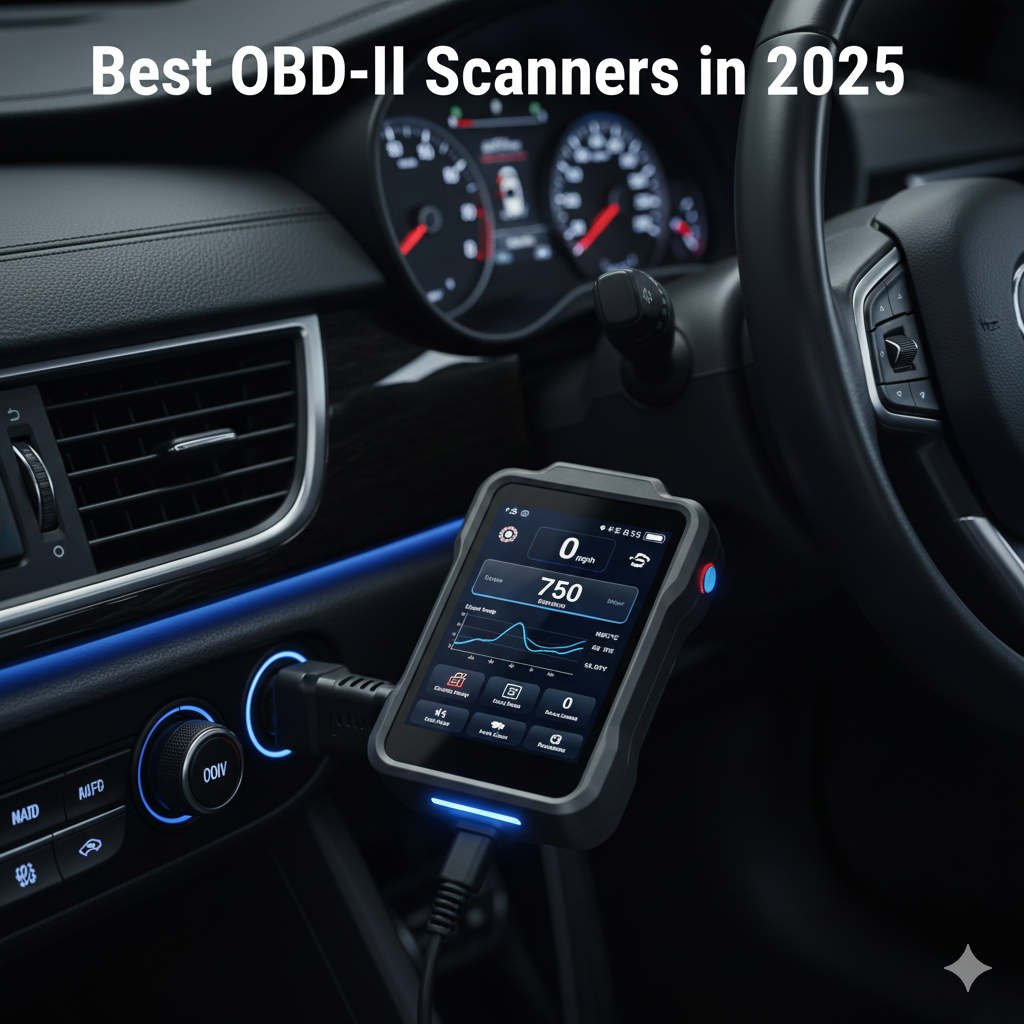
These small tools plug into your car’s onboard port and talk directly to the ECU (basically the car’s brain). You’ll see live data, trouble codes, and sensor readings — stuff even some mechanics don’t check properly.
Here’s why owning one makes sense:
- Detect problems early before they grow into an expensive mess.
- Avoid getting tricked by over-smart mechanics.
- Save time and a lot of money.
- Keep track of your car’s health, especially before long drives.
It’s kind of like having a mini doctor for your car — one that doesn’t overcharge.
How to Choose the Right OBD-II Scanner in 2025
Now, the market’s full of fancy scanners and random ones on Amazon that promise “full system scan” but barely read one code. Don’t fall for that. Look for these real things 👇
1. Compatibility First
Make sure it actually supports your car model. Some cheap scanners only show generic codes and not manufacturer-specific ones.
2. Features You’ll Really Use
- Basic: read and clear codes.
- Mid-range: show live data, pending codes, readiness status.
- Pro tools: can send commands, test modules, reset ABS/Airbag systems, etc.
Unless you’re a garage guy, a mid-range one is more than enough.
3. Connection Type
Wired scanners are old school but super reliable.
Bluetooth ones are sleek — pair them with your phone app (Torque, Car Scanner, etc).
4. User Interface & Ease
A simple menu and a decent screen matter more than you think. You won’t like scrolling through 5 sub-menus every time your engine light blinks.
5. Updates & After Support
A scanner that never updates becomes useless soon. Always check if the brand offers regular updates or lifetime access.
Best OBD-II Scanners to Buy in 2025
Here’s a quick breakdown of the top ones that people actually liked and work on most modern cars (petrol & diesel both).
| Type | Model | Why it’s good | What’s not so good |
|---|---|---|---|
| Budget pick | Launch CR529 | Simple, solid, and reads all essential data. Perfect for first-timers. | No fancy graphs or app support. |
| Bluetooth app user | Topdon TopScan | Works through your phone, shows live data, and looks cool. | Some features behind subscription wall. |
| For DIY guys | Innova 5610 | Great mix of pro features with easy screen. Reads ABS, Airbag, TPMS too. | Costs more than entry-level ones. |
| For serious users | Topdon Phoenix Lite 2 | Workshop-level tool with advanced functions and wireless use. | Bit heavy and expensive. |
| Compact all-rounder | Ancel BD310 | Small, doubles as digital display on dashboard too. | Doesn’t do deep diagnostic stuff. |
Pro tip: If you’ve got just one car, don’t over-spend. A Bluetooth-based one usually does the job. But if you fix cars for friends or you own multiple rides, go for a handheld device with broader support.
Pros & Cons of Owning an OBD-II Scanner
👍 Pros
- Lets you know what’s wrong before anyone else does.
- Saves time & money on unnecessary trips to workshop.
- Good for people who love monitoring car data.
- Makes car ownership a bit more fun (yep, really).
👎 Cons
- Doesn’t fix problems, just helps detect them.
- Some advanced tools can be pricey or need subscription.
- Reading codes is easy, but interpreting them needs a bit of experience.
Quick Steps to Use an OBD-II Scanner
- Plug the scanner into your car’s OBD port (usually below steering).
- Turn on ignition (no need to start engine yet).
- Follow on-screen steps → Read codes → Save or screenshot them.
- Use Google or brand app to see what each code means.
- Fix issue or clear the code once done.
- Drive a few km and recheck — if code comes back, the problem’s still there.
Pretty easy, right?
Extra Tips for Indian Car Owners
- Make sure the scanner supports Indian models (Maruti, Tata, Hyundai India, Mahindra, etc).
- Some cheap OBD scanners show wrong or no data for local ECU types.
- If your car has been remapped or modified, get a mid-range scanner — you’ll thank yourself later.
- Always prefer lifetime update models instead of ones with 1-year subscription.
FAQs
Q1. Does every car have an OBD-II port?
Almost every car made after 2001 (petrol) and 2004 (diesel) has it. Older cars may have OBD-I or proprietary ports.
Q2. Can I damage my car using a scanner?
No, as long as you’re only reading data and codes. Just don’t mess with ECU commands unless you know what you’re doing.
Q3. Can a scanner clear the engine light permanently?
It can clear it temporarily — but if the issue’s not fixed, it’ll come back soon.
Q4. Which one’s better — Bluetooth or wired?
For casual users, Bluetooth ones are easier. Wired ones are better for workshops or frequent scans.